Generate Poster Blog
How to Make a Poster of Yourself with AI
2026-06-22
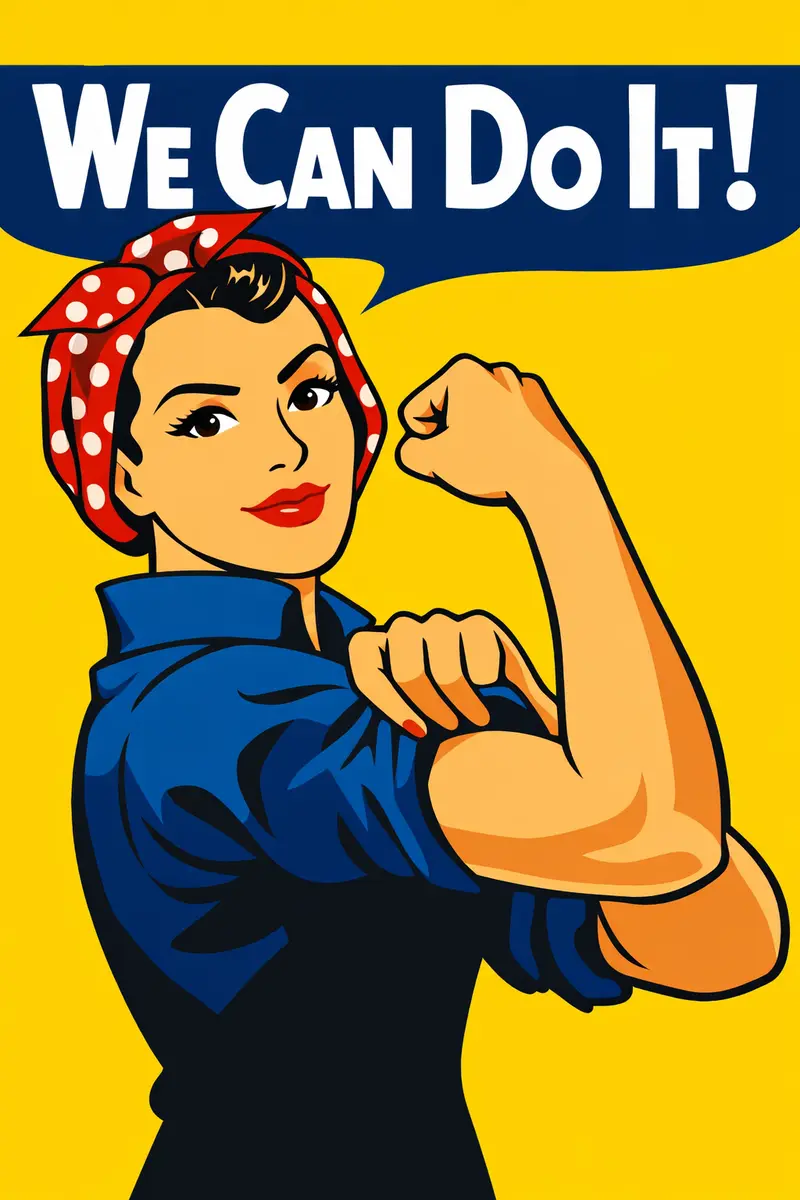
Learning how to make a poster of yourself used to mean hiring a designer, owning Photoshop, or spending an evening fighting with layers and masks. Not anymore. Today, one good selfie and the right AI workflow can turn you into the star of a polished, frame-worthy poster. This tutorial walks through exactly how to make a poster of yourself from start to finish: which photo to begin with, how to choose a style, how to keep your face recognizable, what to do on the runs where the likeness does not survive, and how to refine the result until it looks intentional rather than randomly generated.
If you would rather jump straight in, the poster of yourself generator does the heavy lifting for you — but the tips below will help you get a far stronger first result, so it is worth a two-minute read first.
What photo works best for a poster of yourself?
The best photo for a poster of yourself is a clear, well-lit portrait where your face is the obvious focal point. A front-facing or slight-angle shot works better than an extreme profile, and a single subject beats a busy group photo every time — the AI needs to know exactly who the poster is about.
When you are choosing your source image, aim for:
- Even, natural lighting — soft daylight or a bright indoor light, with no harsh shadows cutting across your face.
- Sharp focus on the face — if your eyes are crisp and in focus, the AI has far more to work with.
- A simple, uncluttered background — busy surroundings compete with the poster styling you will layer on later.
- Enough resolution — a modern phone selfie is more than enough; tiny, blurry, heavily compressed thumbnails are not.
You do not need professional gear or a studio. A relaxed phone photo taken near a window often outperforms an over-edited headshot, simply because the AI can read your real features clearly and carry them into the final design.
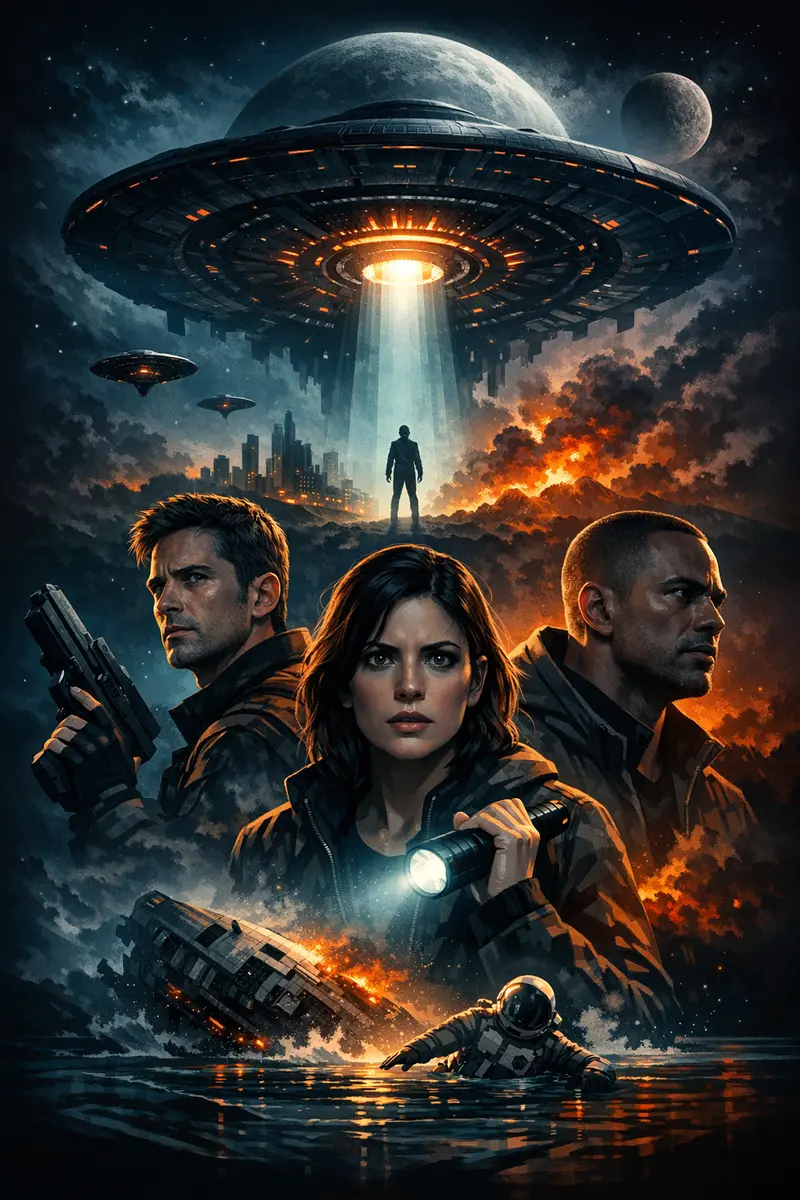
How to make a poster of yourself with AI (step by step)
Here is the core workflow for how to make a poster of yourself, from upload to download:
- Upload your selfie as the identity reference. This is the single most important step — it tells the AI whose face should anchor the poster.
- Pick a style or mood. Cinematic, vintage, sports, fashion-editorial, fantasy — the direction you choose shapes the lighting, color, and composition of everything that follows.
- Add a short, specific prompt. Describe the lighting, background, and feeling you want. For example:
dramatic studio portrait poster, warm rim light, deep shadows, bold title space, premium finish. - Generate, then judge one thing at a time. When the poster comes back, ask two questions: does my face read clearly, and does the mood land? If it is close but not perfect, change one detail and run it again.
A generation usually takes a minute or two rather than an instant, so it pays to make each run count instead of firing off ten variations of the same idea. Change one variable at a time — a warmer light, a darker background, a different style — and you will learn what actually moves the result.
How to keep your face recognizable
The most common disappointment is a poster that looks fantastic but no longer looks like you. Keeping your likeness intact is the difference between a generic AI image and a real poster of yourself. To stay recognizable:
- Use a front-facing photo so the AI can clearly see both eyes, your nose line, and your jaw — the features that make a face read as you.
- Treat the photo as an identity reference, not a costume. Let the chosen style transform the lighting and background while your actual features stay intact.
- Avoid stacking heavy effects. Extreme filters, full masks, or "turn me into a painting" prompts can quietly erase the small details that make you identifiable.
- Refine instead of restarting. If the likeness starts to drift, regenerate with a slightly simpler prompt rather than piling on more instructions.
A small amount of restraint goes a long way here. The cleaner your prompt and source photo, the more the final poster will actually resemble the person it is meant to celebrate.
When the likeness fails anyway
Sometimes it fails and it is not your fault. The image models behind every AI poster tool carry their own identity-protection rules, and they apply them quietly. There is no message that says "I declined to reproduce this face." You simply get a poster where the person is nearly you — right hair, right build, wrong bone structure — or where the face has been turned three-quarters away, buried in shadow, cropped small, or given sunglasses you never asked for.
These are the situations that trigger it most often:
- Face swaps. Asking to put your face onto someone else's body, or into an existing photograph, is the single most reliable way to get a softened, generic result.
- Outfit and uniform swaps on a real person. Dressing an identifiable face in a specific costume sits close to the same boundary.
- Prompts that read as impersonation. Naming a public figure, a specific film character, or a real photograph you want recreated with your face in it will usually get you a stand-in rather than yourself.
- Photos that hide the face. Small, side-on, back-lit, or partly covered by sunglasses, a hood, or a hand — the model cannot preserve what it cannot see.
When it happens, work through this in order:
- Change the photo before you change the prompt. A closer crop with both eyes visible and even light on the face fixes more failures than any prompt rewrite.
- Cut the prompt back. Long prompts crowd the face out. Strip it to the mood, the light, and the background, then rebuild only if you need to.
- Style the world, not the person.
rain-slicked street at night, neon signage, low camera angle, cold blue key lighttransforms a poster completely without asking the model to rebuild your features. - Drop any swap. If your prompt asks to place you inside another image or another person's outfit, remove that instruction and describe the scene from scratch instead.
- Run it again. Results are not deterministic. The same photo and the same prompt can land the likeness on a second attempt when the first one missed.
One honest caveat: a handful of faces and a handful of concepts will not get through no matter how you word them. If you hit that wall, stop fighting it. Switch to a direction that celebrates you as yourself — a portrait-led editorial or studio look — rather than one that asks the model to transplant you somewhere else. Those consistently hold the likeness best.
Finally, only upload photos of yourself, or of people who have agreed to it. A poster of your partner or your dad as a gift is fine when they are happy with it. Strangers, public figures, and images pulled off the internet are not.
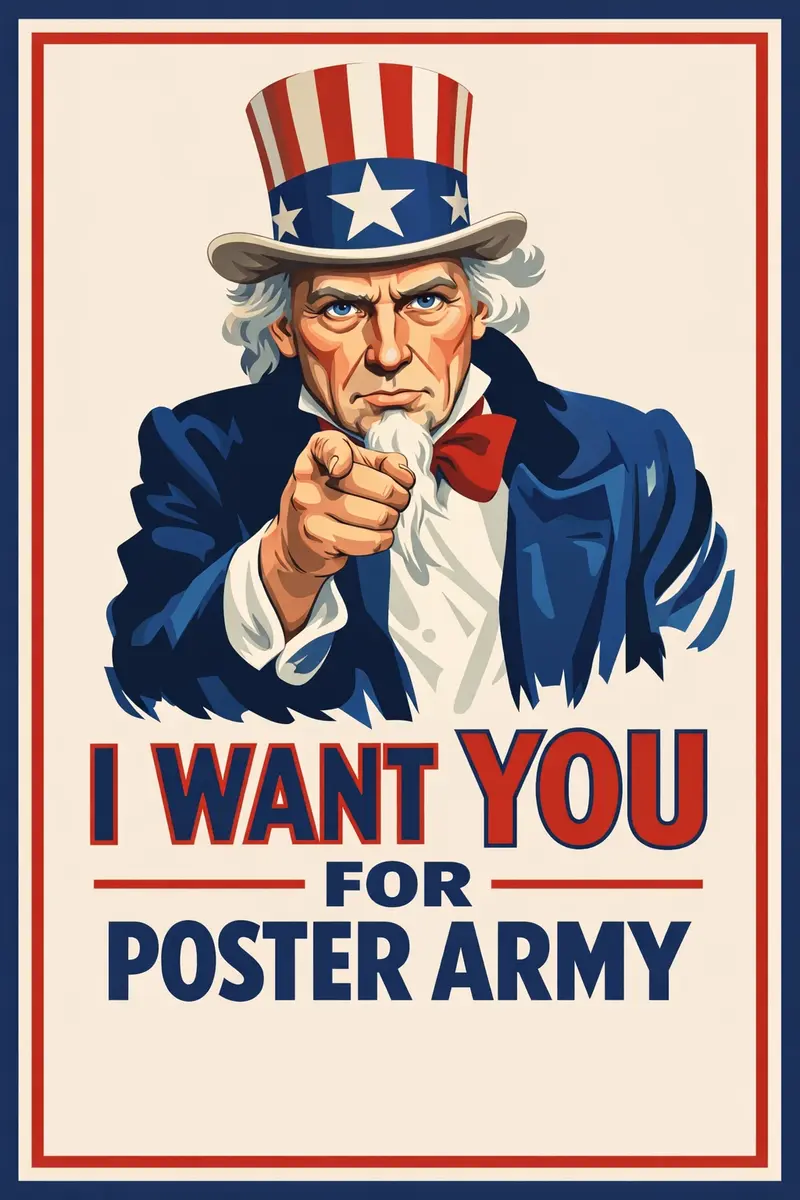
Best styles for a poster of yourself
There is no single "correct" look — the best style depends entirely on the feeling you are after. A few directions that consistently produce strong results:
- Cinematic / movie poster — dramatic lighting, a moody background, and room for a title. If this is your goal, our guide on how to turn your photo into a movie poster goes much deeper, and how to create movie posters covers the composition rules behind the genre.
- Sports hero — bold, energetic, and arena-lit. Walk through how to make a sports hero poster from a selfie for the exact prompt structure.
- Vintage / retro — film grain, warm tones, and classic typography for a nostalgic feel.
- Fashion editorial — clean studio light, a confident pose, and magazine-cover polish.
- Fantasy or themed — reimagine yourself as an explorer, a musician on tour, or the lead of a graphic novel.
Pick one lane per poster. Trying to combine three styles in a single prompt usually muddies the result and weakens your likeness. If you love several directions, generate them separately and compare — it is faster than wrestling one overloaded prompt into shape. For the habits that carry across every style, the AI poster design tips guide is a good next read.
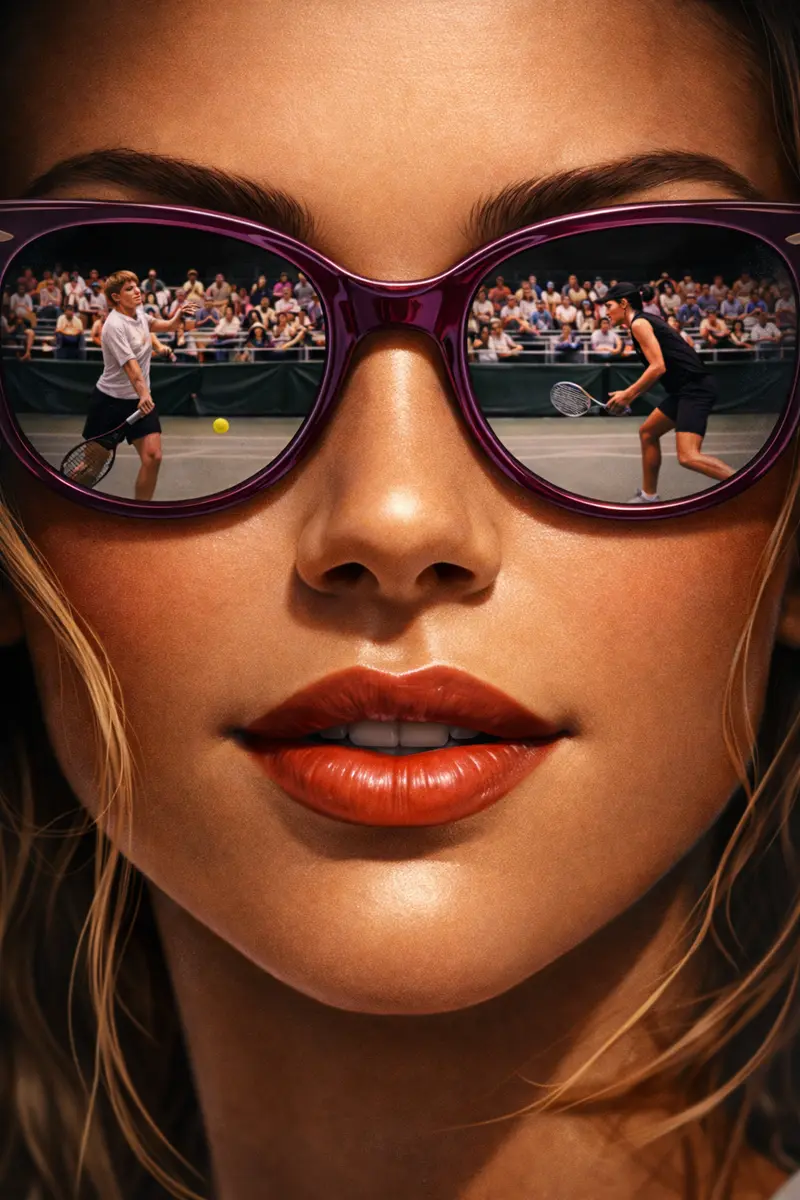
Make your own poster of yourself
Once you have chosen a clear photo, settled on a single style, and written a focused prompt, making a poster of yourself is a short, low-effort project. Start simple, generate one direction, and keep it if the lighting is bold and your face reads cleanly. If it does not, change the photo or shorten the prompt and go again — that loop, not a longer prompt, is what gets you there.
When you are ready, open the poster of yourself generator, upload your favorite selfie, and create a poster that truly looks like you — no design software, no steep learning curve, and no waiting on anyone else.